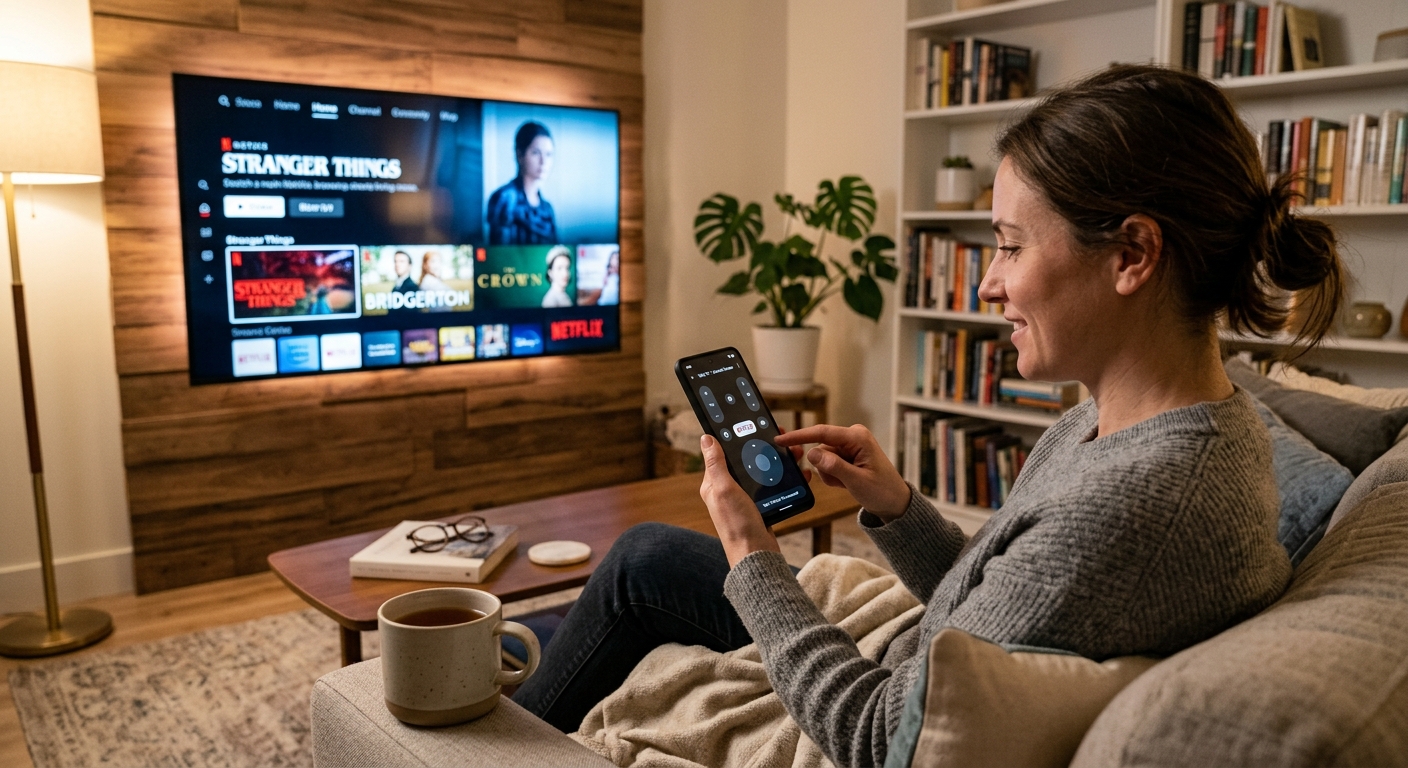
Control your TV from your phone.
Works over your network with Samsung, LG, Roku, Sony, Panasonic, Philips, Hisense, TCL, Vizio, and Google TV. No sign-up, nothing uploaded — it's your phone talking straight to your TV.
Every button your remote has. Right on your phone.
Switch between a classic D-pad and a full trackpad-style touchpad, whichever feels more natural. Volume, channel, power, and playback are all one tap away.
- D-pad or Touchpad layout — swipe to navigate, tap to select
- Volume, channel, power, and media transport controls
- One-tap quick-launch for Netflix, YouTube, Prime Video, and Hulu
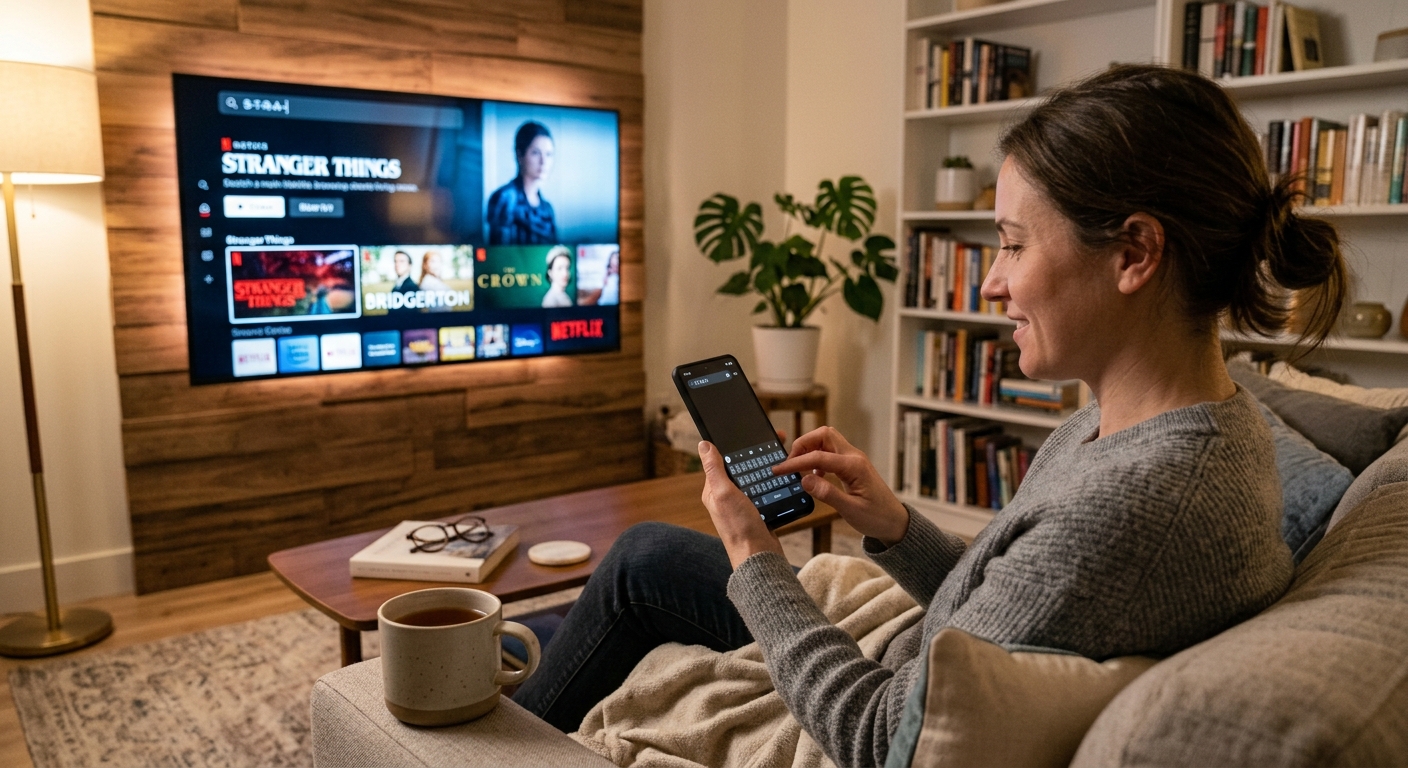
Type instead of hunting letters.
Use your phone to search, sign in, or enter passwords on your TV.
- Great for search boxes, streaming sign-ins, and long passwords
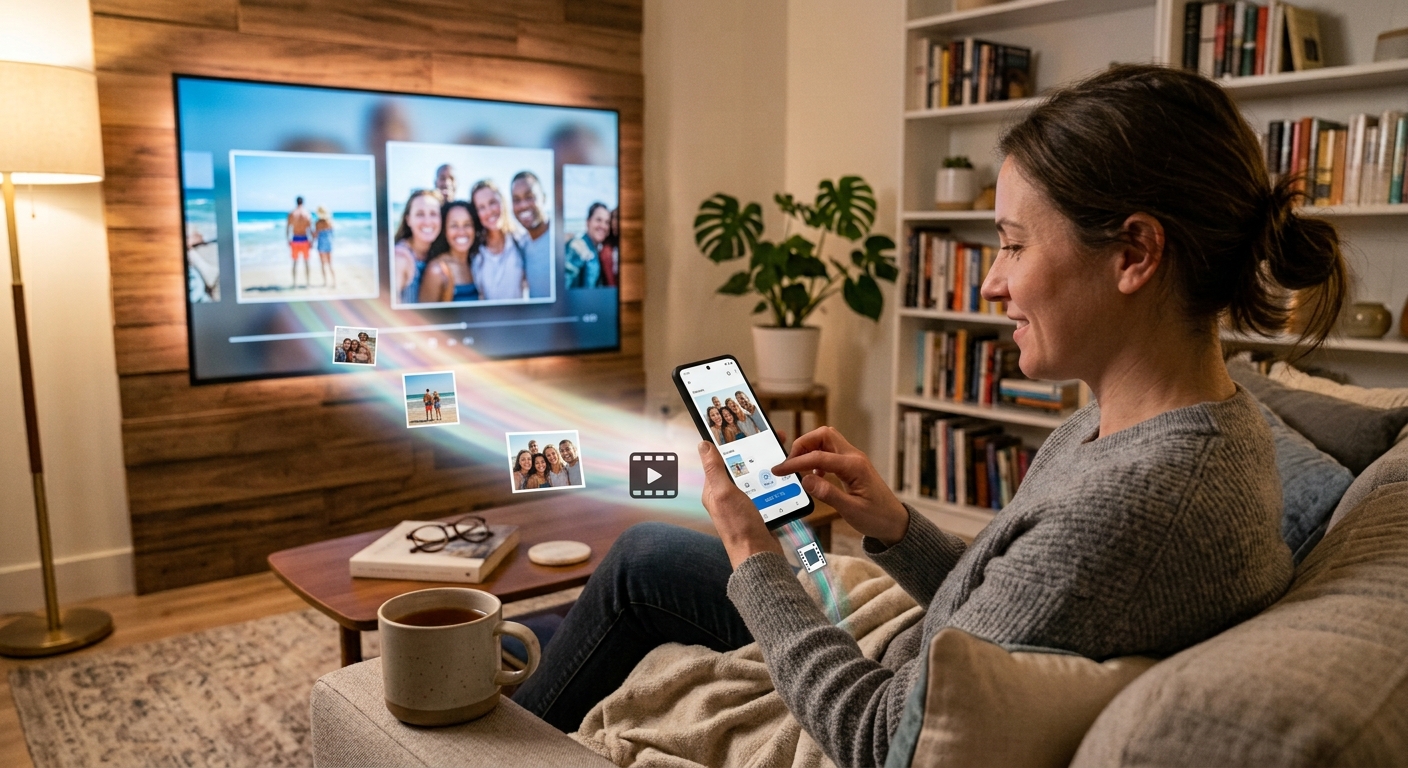
Send photos, music, and videos to your TV.
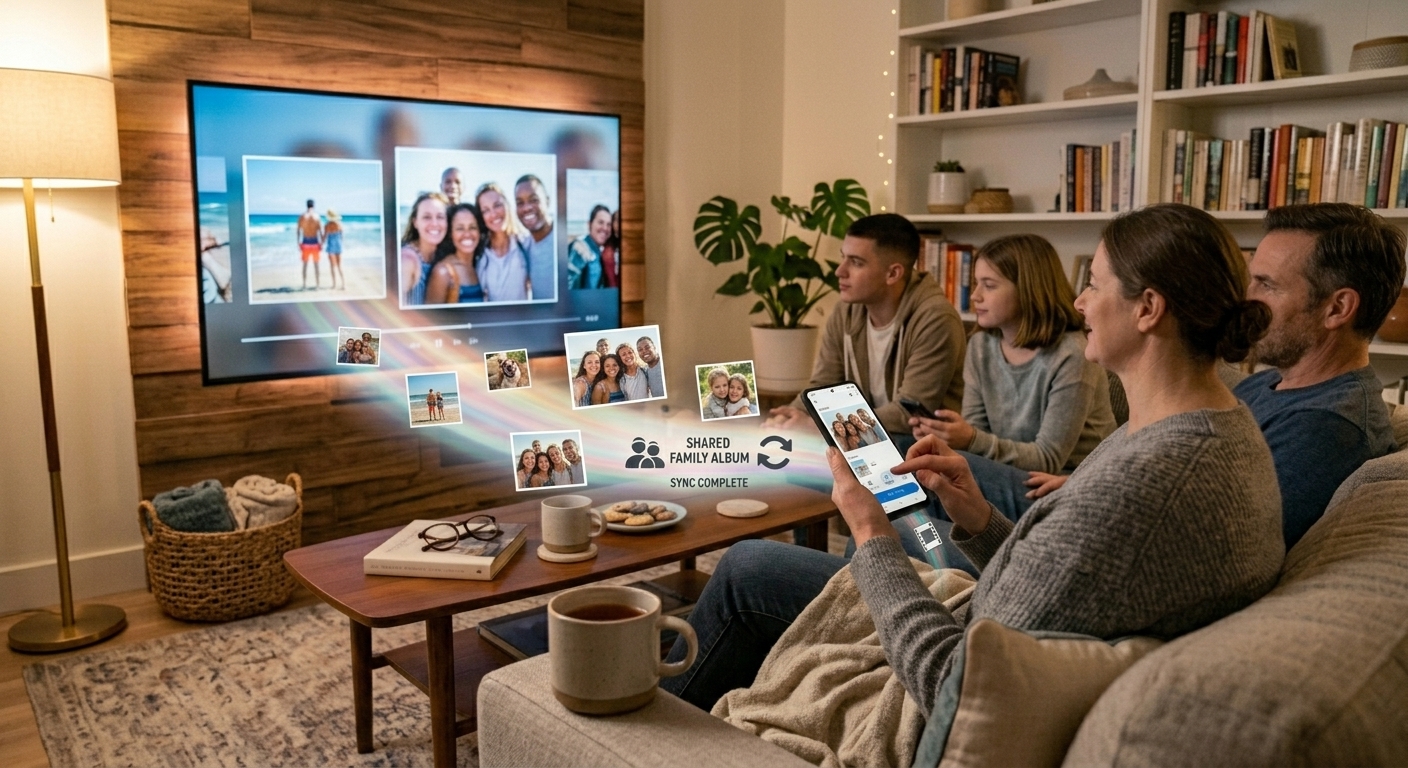
Cast anything from your phone in a tap — vacation photos, a home video, a playlist — straight from your camera roll to the big screen.
- Photos, videos, and music, cast directly to the TV
- No upload step — your phone serves the file directly to the TV
See the app
Two remote layouts, built for how you actually hold your phone.
D-pad modeA familiar layout, just like the remote in your couch cushions.
Touchpad modeDrag to move, tap to select — like a laptop trackpad for your TV.
No account. Nothing leaves your home network.
iNAK Remote works entirely over your own Wi-Fi or LAN network. There's no sign-up, no server, and nothing about your TV, your media, or your remote presses is ever sent anywhere else.
Get iNAK Remote
Free to start. Available today for iOS and Android mobile devices.
Questions? We're happy to help.
No contact form, no chatbot — just email us directly and a real person will get back to you.
support@inakitsolutions.com